
Margins vanish between buying and selling
A supplier's price rises, a customer's price does not, and nobody notices until the quarter's profit is low.
Trading & distribution
Run the buy-hold-sell cycle of a trading house: purchase orders, store-wise stock, sales orders, delivery challans, invoices and collections on one set of books.
eSolverBooks / Sales / Sales orders
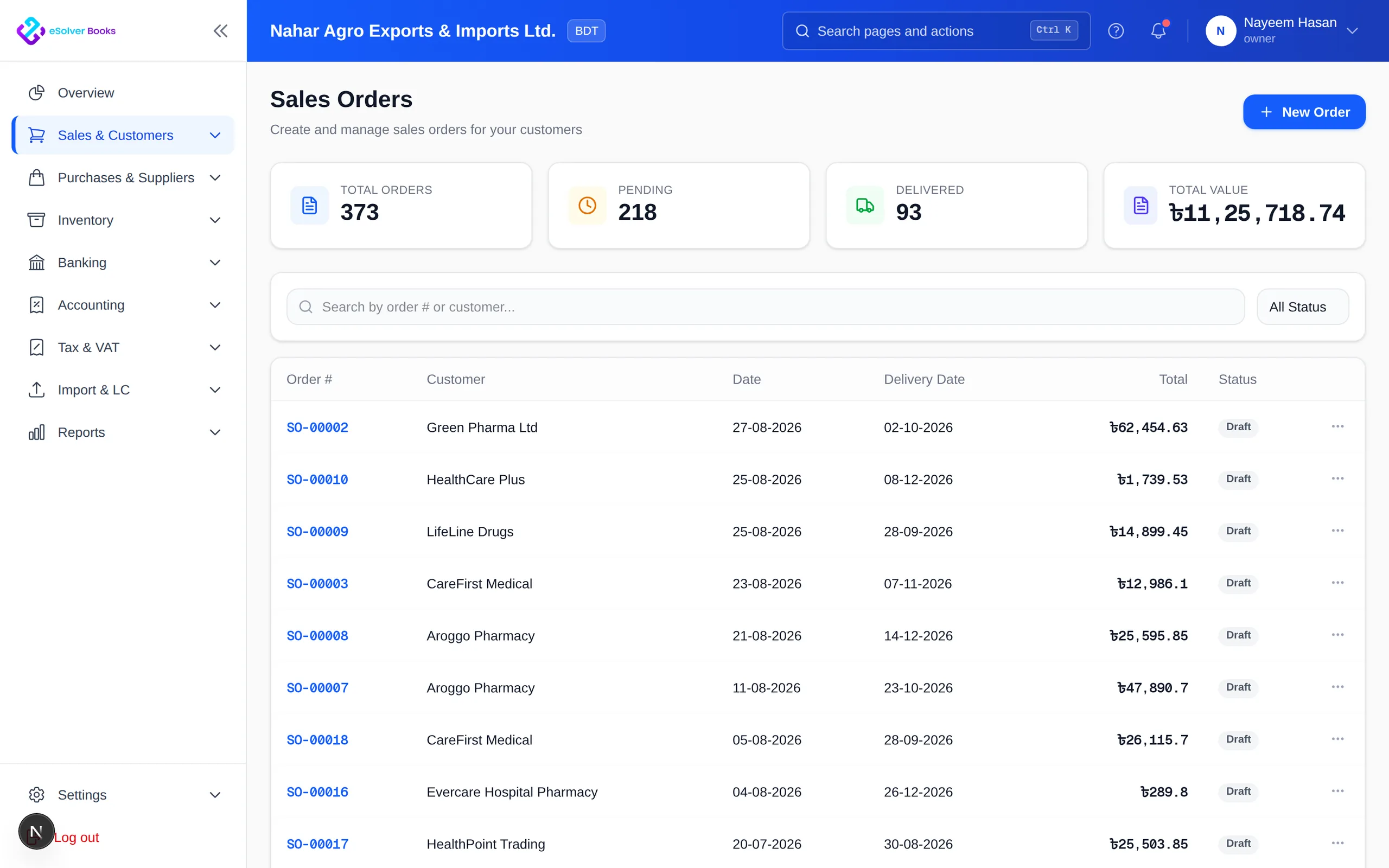
One connected workflow
A trading or distribution business earns on the spread between what it buys and what it sells, and loses it in the gaps: a price quoted from memory, stock promised twice, a delivery that was never invoiced, a customer balance nobody chased. eSolverBooks follows the goods from supplier order to customer payment, with price lists, delivery challans and aging reports tying the commercial side to the accounts.
The everyday problem
A supplier's price rises, a customer's price does not, and nobody notices until the quarter's profit is low.
Two salespeople commit the same goods to two customers because nothing shows what is already allocated.
Goods leave the warehouse on a challan and the invoice is raised later, or not at all. Revenue and stock drift apart.
Customers pay late while suppliers expect payment on time. Without aging on both sides, cash planning is guesswork.
Core capabilities
Raise requisitions and purchase orders, then receive goods against the order into the right store and rack.
Hold agreed rates per customer or customer group so every invoice uses the price you promised.
Confirm orders, deliver against a challan and let stock leave the store on delivery, not on paper.
Hold stock in more than one store with rack and bin locations, and sell from the store you choose.
See who owes you and whom you owe by age bucket, with statements ready for follow-up calls.
Record bills, deduct VDS or TDS where it applies and pay suppliers with the gross, deduction and net kept together.
How it works
Order from the supplier, receive the goods into the store, and match the supplier bill to the receipt.
Quote, confirm the sales order, deliver with a challan and invoice at the customer's agreed price.
Apply receipts, chase overdue balances, settle supplier bills and read profit and stock reports.
Business outcomes
Agreed prices applied every time
Stock that leaves on delivery, matched to invoices
Clear customer and supplier balances
A margin view by item and customer
Compliance
Traders buy and sell in volume with VAT on both sides, so organised tax records matter.
Day one
Questions
Professional is built for growing SMEs and distributors. It adds sales orders, delivery challans, purchase requisitions and orders, a second store with racks and bank reconciliation on top of Starter.
Yes, on the Enterprise plan: stock can be reserved for confirmed sales orders so it is not promised twice.
Yes. Customer price lists are on every plan.
Yes. Accounts receivable and accounts payable aging reports are included on every plan.
Bank reconciliation, with statement and MFS import, is available on Professional and Enterprise.
Starter 2, Professional 5 and Enterprise 10. Additional users cost 200, 150 and 100 taka per user per month respectively.
Get started
Discuss your current process, data, team, and reporting requirements with eSolverBooks.