
Dimensions that fit the business
Branch, department, project or cost centre — whichever reflects accountability.
Tag transactions to branches, departments, projects or teams while preserving one company-wide accounting ledger.
eSolverBooks / Accounting / Cost centres
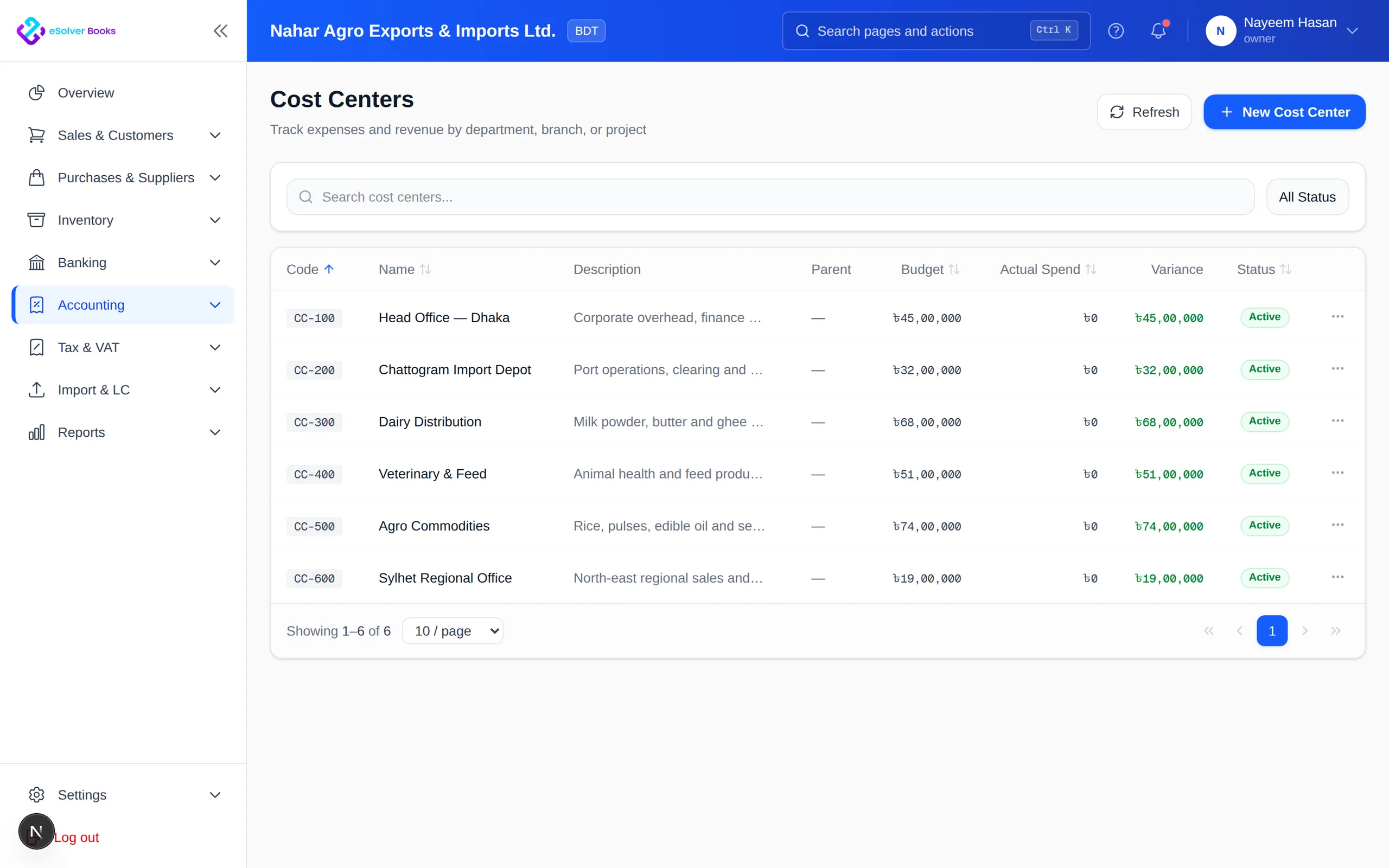
How it works
A practical workflow your team can follow without adding disconnected spreadsheets or repeated data entry.
Set up branches, departments, projects or cost centers around accountability.
Assign sales, costs, cash, stock and journals to the unit responsible for them.
Distribute central overhead with a consistent, reviewable allocation rule.
Run unit-level profit reports and return to consolidated company totals instantly.
What you get
Dimensional tracking reveals profitable units and accountable spending while consolidated reporting preserves the full picture.
Branch, department, project or cost centre — whichever reflects accountability.
Sales, costs, cash and journals carry their unit from the moment they are recorded.
Spread central overhead by a rule that can be reviewed and defended.
Each branch or project gets a real profit statement, not a revenue figure.
Move between unit and company view without rebuilding the report.
Branch managers see their own numbers and not each other's.
Feature details
Understand the main workflow, what belongs inside it and how each capability supports accurate daily work.
Main feature item
Model the way the organization works.
What it includes
4 connected capabilities designed to keep this part of cost center & branch tracking organized.
Included sub-items
Represent stores, offices and warehouses.
Track operating functions and teams.
Measure contract income and delivery cost.
Group spending responsibility.
Main feature item
Capture responsibility with each entry.
What it includes
4 connected capabilities designed to keep this part of cost center & branch tracking organized.
Included sub-items
Attribute revenue to the responsible unit.
Direct costs to where they were used.
Keep branch stock activity visible.
Distribute central overhead consistently.
Main feature item
Compare units on equal terms.
What it includes
4 connected capabilities designed to keep this part of cost center & branch tracking organized.
Included sub-items
Compare income, direct cost and overhead.
Measure contract value against cost.
Review expense by responsible team.
Return to company-wide totals instantly.
Create a clearer workflow and give your team information they can understand and trust.