
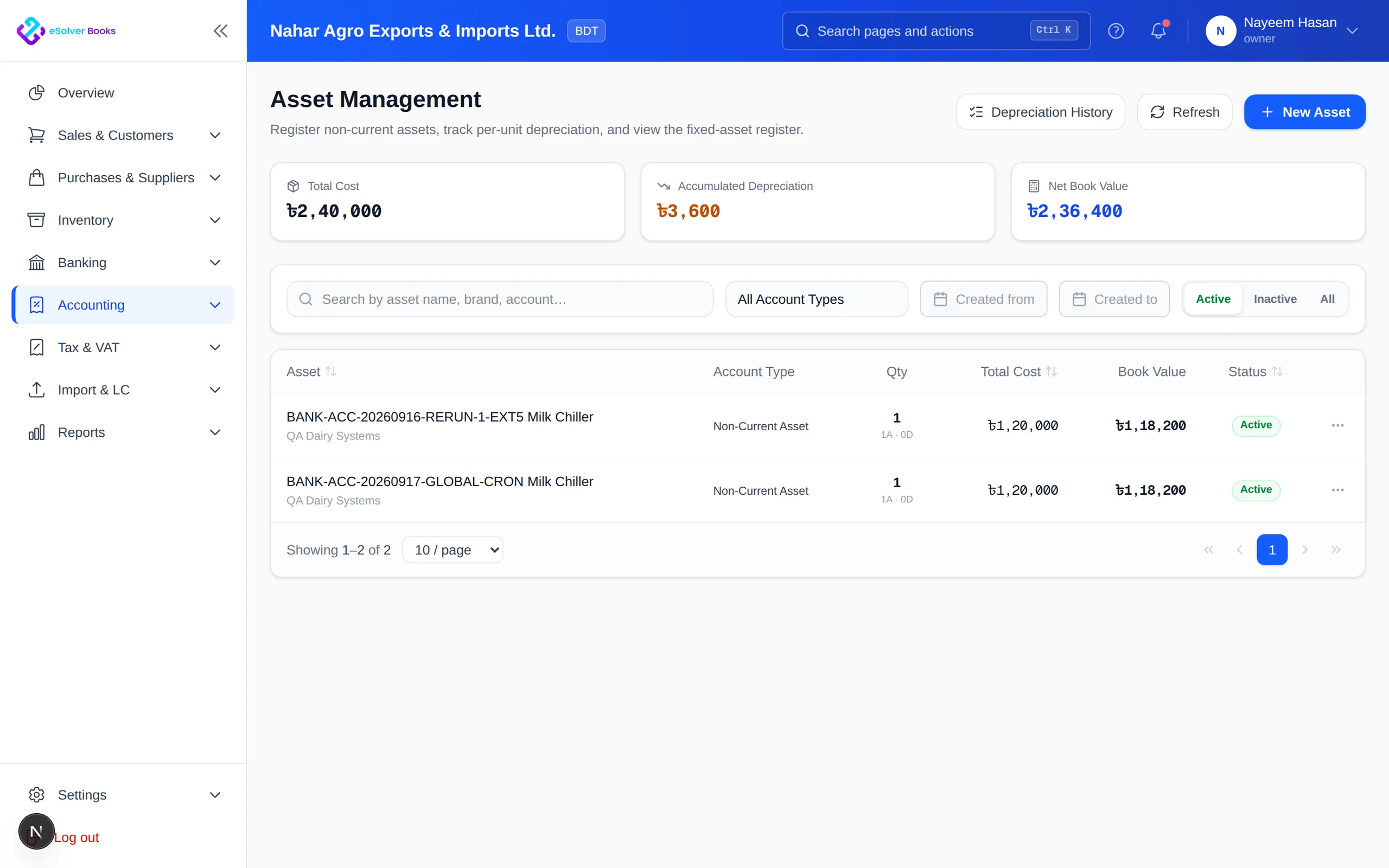
Complete asset register
Cost, date, location, custodian, category and supporting documents in one record.
Manage equipment, vehicles, furniture and property from acquisition through disposal with an operational and financial asset register.
eSolverBooks / Accounting / Fixed asset register
How it works
A practical workflow your team can follow without adding disconnected spreadsheets or repeated data entry.
Record its category, acquisition cost, date, location, custodian and supporting documents.
Set useful life, residual value, method and the date depreciation begins.
Review the schedule and create depreciation expense and accumulated depreciation entries.
Document transfers, improvements, impairment and disposal through the final entry.
What you get
A controlled asset lifecycle protects resources, reduces manual depreciation work and supports balance sheet and tax records.
Cost, date, location, custodian, category and supporting documents in one record.
Set the method, life and residual value per asset or per category.
One run posts the period charge across every eligible asset, with its journal.
Capitalise additions against the parent asset rather than starting a new one.
Retire an asset and let the profit or loss on disposal be worked out for you.
Cost and accumulated depreciation agree with the control accounts.
Feature details
Understand the main workflow, what belongs inside it and how each capability supports accurate daily work.
Main feature item
Create a complete identity for every asset.
What it includes
4 connected capabilities designed to keep this part of fixed asset & depreciation organized.
Included sub-items
Record category, serial number and date.
Include purchase and qualifying setup cost.
Identify where the asset is and who holds it.
Attach invoices, warranty and ownership evidence.
Main feature item
Apply a consistent expense schedule.
What it includes
4 connected capabilities designed to keep this part of fixed asset & depreciation organized.
Included sub-items
Define the benefit period.
Exclude expected disposal value.
Apply straight-line or reducing balance.
Create depreciation ledger entries.
Main feature item
Track change through final disposal.
What it includes
4 connected capabilities designed to keep this part of fixed asset & depreciation organized.
Included sub-items
Move assets between locations.
Capitalize qualifying additions.
Recognize documented loss of value.
Calculate sale gain or loss.
Accounting reference
This feature explanation is informed by recognized accounting and control guidance. Your configuration and filing obligations should still be reviewed for your organization and jurisdiction.
Create a clearer workflow and give your team information they can understand and trust.