
Stock in the system and stock on the shelf disagree
Receipts are late, deliveries are not recorded and counts are done once a year. By then the difference is large and nobody can explain it.
Stock operations
Maintain accurate item, warehouse, movement, purchasing, sales, and valuation records across every location where your business holds stock.
eSolverBooks / Inventory / Inventory overview
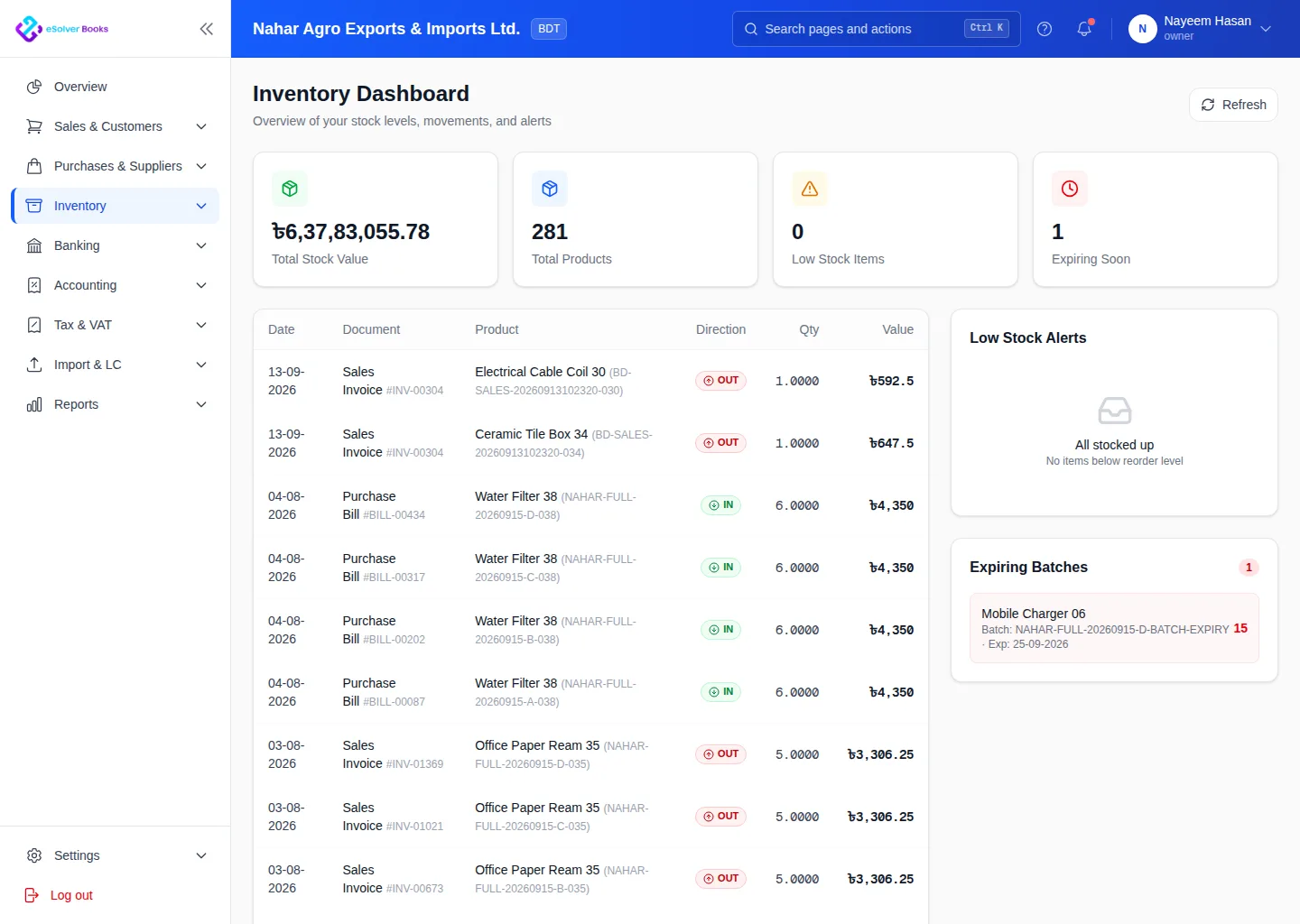
One connected workflow
Reliable inventory depends on every receipt, transfer, adjustment, delivery, and return reaching the same stock record. eSolverBooks connects warehouse operations with purchasing, sales, and accounting to keep quantities and value aligned.
The everyday problem
Receipts are late, deliveries are not recorded and counts are done once a year. By then the difference is large and nobody can explain it.
Slow items tie up cash while fast sellers run out, because purchase decisions are made without movement data.
If stock is not valued consistently, the balance sheet figure and the cost of goods sold are both doubtful.
A central warehouse, a showroom and a shop each hold stock, and transfers between them are recorded after the fact if at all.
Core capabilities
Maintain products, variants, units, categories, tax treatment, purchase details, sales details, and opening information.
See quantities by location and follow movement between warehouses without combining separate records.
Link requisitions, supplier orders, goods receipts, bills, returns, and payable records.
Connect customer orders, stock availability, delivery challans, invoices, returns, and receivables.
Record counts, corrections, damage, expiry, and other adjustments with reasons and an audit trail.
Review movement, balances, reorder requirements, valuation, and item activity from current transaction data.
How it works
Prepare item records, units, categories, warehouses, opening stock, and responsible users.
Process receipts, transfers, deliveries, returns, counts, and adjustments when they occur.
Monitor quantities, movement history, valuation, and purchasing requirements by location.
Business outcomes
Current stock by warehouse
Traceable inventory movement
Purchasing and sales connected to stock
More dependable quantity and value reporting
Compliance
Inventory ties directly into VAT and into the financial statements, so clean stock records make both easier.
Day one
Questions
Starter includes 1 store, Professional 2 stores with racks and bins, and Enterprise 5 stores. Enterprise also adds inter-store transfers.
Stock counts with variance review, approval and reconciliation are part of the Enterprise plan. All plans support stock adjustments.
A goods receipt records stock arriving into a store and bin. eSolverBooks lets you receive and bill in one step on every plan, or receive against a purchase order on Professional and above.
Enterprise includes valuation layers and perpetual inventory with automatic cost of goods sold. Every plan has a stock ledger and balance queries.
Yes, on the Enterprise plan, with the earliest expiry sold first.
Yes. Returns go back to the store and bin they were sold from.
Get started
Discuss your current process, data, team, and reporting requirements with eSolverBooks.