
Receipt attached to the entry
The supporting document lives on the transaction, not in someone's drawer.
Capture daily spending with the details your accountant needs. Categories, receipts, tax treatment and payment accounts stay connected for faster review.
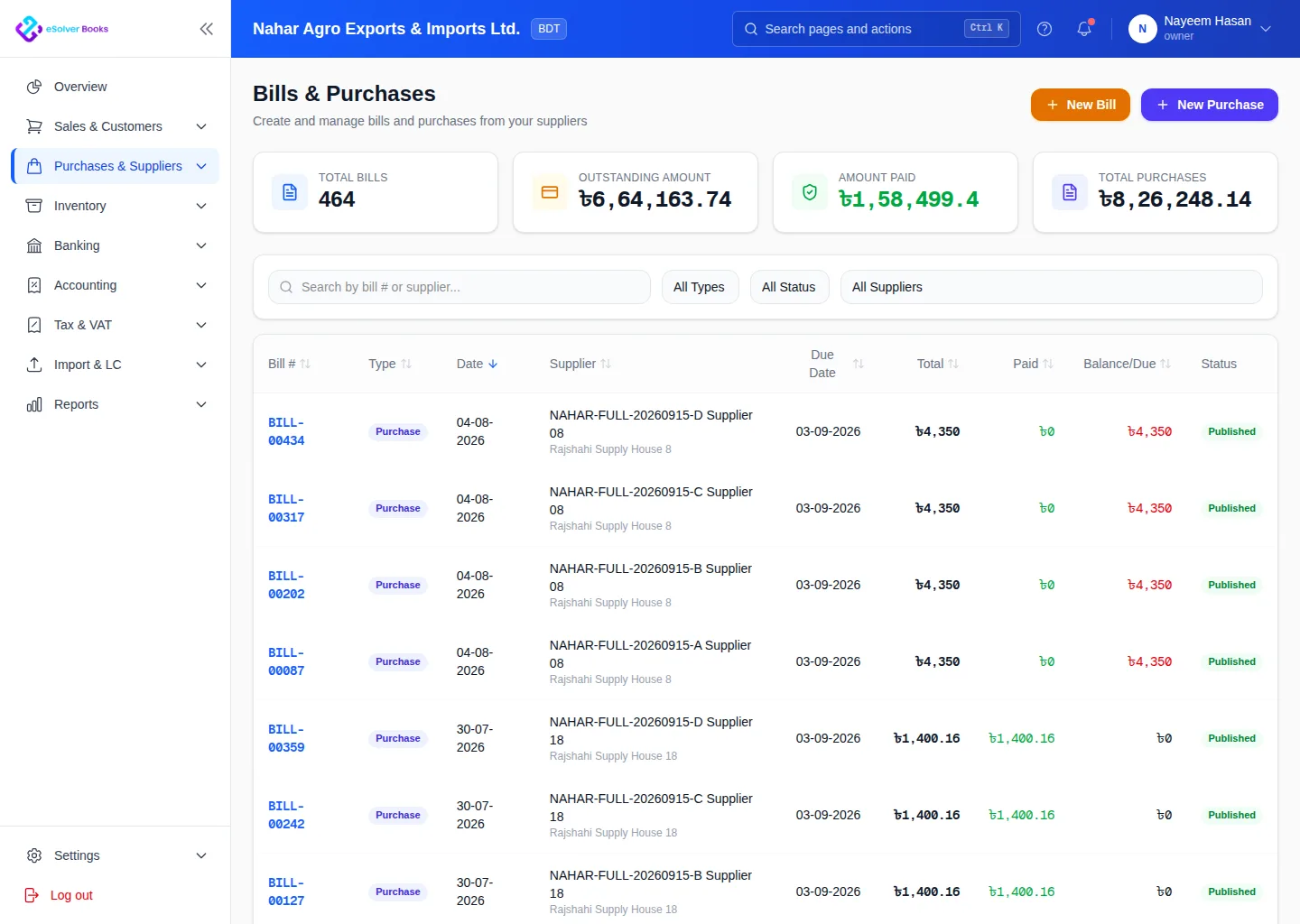
eSolverBooks / Purchases / Supplier bills
How it works
A practical workflow your team can follow without adding disconnected spreadsheets or repeated data entry.
Record the supplier, date, amount, payment method and business purpose.
Keep the receipt or supplier document beside the accounting entry.
Select the expense account, tax treatment, branch or project and route it for review.
Match the payment and review spending by account, supplier, team or period.
What you get
Consistent expense records reveal cost trends earlier, reduce missing evidence and make reconciliation and tax preparation easier.
The supporting document lives on the transaction, not in someone's drawer.
Claimable tax is identified when the expense is entered, so nothing is missed at filing.
Every expense can carry the branch, department or job that should bear it.
Rent, utilities and retainers post on their own schedule.
Route spending above a threshold to a reviewer before any money moves.
Compare periods by account, supplier, branch or project from the same data.
Feature details
Understand the main workflow, what belongs inside it and how each capability supports accurate daily work.
Main feature item
Collect complete information before details are forgotten.
What it includes
4 connected capabilities designed to keep this part of expense tracking organized.
Included sub-items
Record routine purchases with sensible defaults.
Keep bills and evidence beside each transaction.
Connect repeat spending to the correct vendor.
Identify cash, bank, card or employee-paid costs.
Main feature item
Turn purchases into useful management information.
What it includes
4 connected capabilities designed to keep this part of expense tracking organized.
Included sub-items
Map costs to clear ledger categories.
Separate recoverable tax and non-recoverable cost.
Assign costs to the unit that used them.
Track employee-paid costs awaiting repayment.
Main feature item
Move from scattered receipts to clear cost insight.
What it includes
4 connected capabilities designed to keep this part of expense tracking organized.
Included sub-items
Separate draft, reviewed and approved expenses.
Spot unusual increases by category or period.
Retain who entered and changed each record.
Summarize spending by supplier, account or branch.
Create a clearer workflow and give your team information they can understand and trust.