
One cashbook per custodian
Each counter, office and float is its own accountable balance.
Record cash in and cash out as it happens, keep supporting notes and know the exact balance of every cash location.
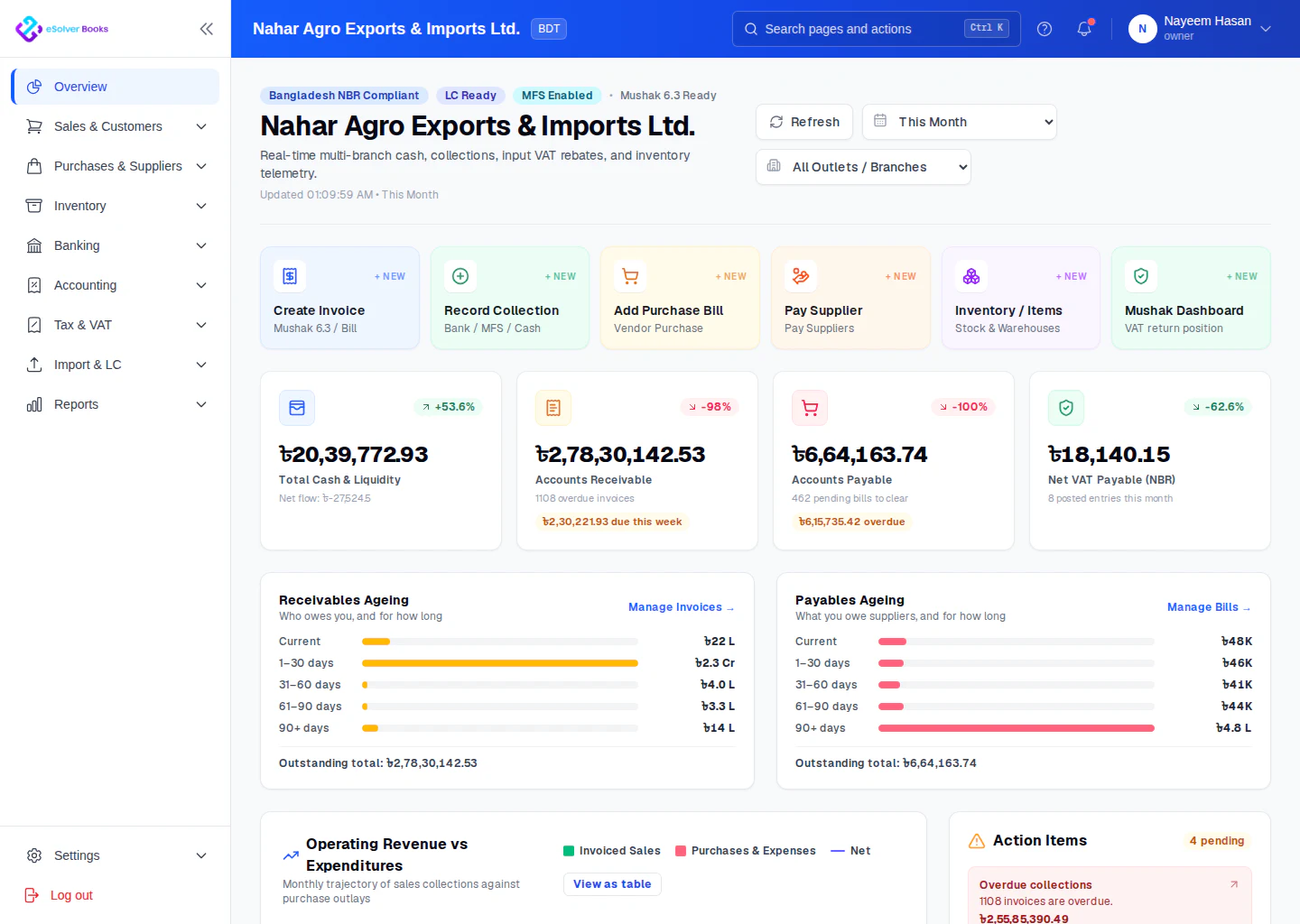
eSolverBooks / Dashboard / Business overview
How it works
A practical workflow your team can follow without adding disconnected spreadsheets or repeated data entry.
Create a separate cashbook for every counter, office, custodian or petty cash float.
Enter receipts and payments as they occur with vouchers and supporting notes.
Compare the expected closing balance with the physical cash held.
Explain differences, approve spending and restore controlled floats when needed.
What you get
A digital cashbook makes small transactions visible, strengthens accountability and creates a clean trail from voucher to ledger.
Each counter, office and float is its own accountable balance.
Every payment carries its voucher number, purpose and authorisation.
Compare the book balance to cash actually in the drawer and document the difference.
Restore the float to its agreed level and post the top-up in one step.
bKash, Nagad and Rocket movements sit in the same daily record as notes and coins.
Close the day with a balance someone has signed off, not one nobody checked.
Feature details
Understand the main workflow, what belongs inside it and how each capability supports accurate daily work.
Main feature item
See every movement in one chronological timeline.
What it includes
4 connected capabilities designed to keep this part of petty cash & cashbook organized.
Included sub-items
Record collections, deposits and other incoming cash.
Capture routine low-value operating costs.
Verify opening, movement and expected closing cash.
Keep counters, offices and custodians separate.
Main feature item
Manage floats without slowing the team.
What it includes
4 connected capabilities designed to keep this part of petty cash & cashbook organized.
Included sub-items
Record transfers into each petty cash fund.
Number payments and attach their receipts.
Restore floats from approved spending.
Document physical counts and differences.
Main feature item
Give finance teams complete supporting evidence.
What it includes
4 connected capabilities designed to keep this part of petty cash & cashbook organized.
Included sub-items
See who held and spent each balance.
Group cash spending into useful categories.
Review any day, shift, week or month.
Prepare clean information for reconciliation.
Create a clearer workflow and give your team information they can understand and trust.