
Statement import
Bring in the bank's file rather than keying lines by hand.
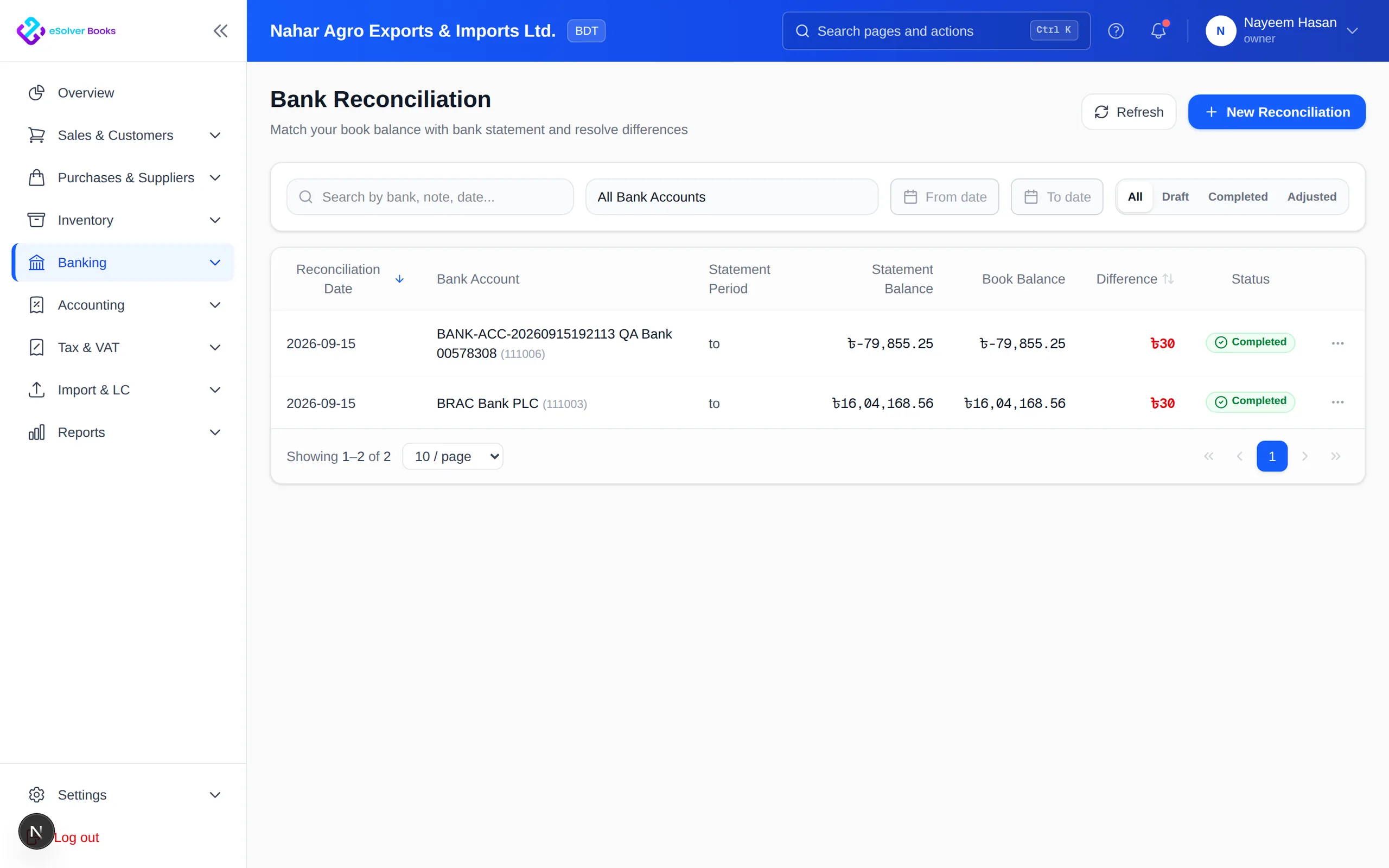
Compare bank statements with recorded receipts, payments and transfers in a structured matching workspace.
eSolverBooks / Banking / Bank reconciliation
How it works
A practical workflow your team can follow without adding disconnected spreadsheets or repeated data entry.
Choose the bank account and enter the statement dates and closing balance.
Pair bank lines with recorded receipts, payments and transfers.
Record fees or interest and investigate duplicates, omissions and timing differences.
Confirm the difference is cleared and retain the completed reconciliation report.
What you get
Frequent reconciliation catches omissions and duplicates early, improves cash accuracy and strengthens every financial report.
Bring in the bank's file rather than keying lines by hand.
Likely pairings are proposed on amount, date and reference for you to confirm.
Handle one bank line that settles several entries, or the reverse.
Post charges, interest and direct debits discovered on the statement without leaving the screen.
Old unmatched items stay in view instead of quietly accumulating.
A completed reconciliation is kept as evidence and cannot be silently altered.
Feature details
Understand the main workflow, what belongs inside it and how each capability supports accurate daily work.
Main feature item
Start with the right account and statement period.
What it includes
4 connected capabilities designed to keep this part of bank reconciliation organized.
Included sub-items
Select the exact ledger and currency.
Define controlled opening and closing dates.
Record the bank's ending target amount.
Load receipts, payments and transfers.
Main feature item
Explain bank activity efficiently.
What it includes
4 connected capabilities designed to keep this part of bank reconciliation organized.
Included sub-items
Pair statement lines with book entries.
Combine entries settled by the bank in total.
Retain outstanding items correctly.
Record fees, interest and direct activity.
Main feature item
Finish with evidence and confidence.
What it includes
4 connected capabilities designed to keep this part of bank reconciliation organized.
Included sub-items
Focus attention on remaining differences.
Confirm bank and books agree.
Retain preparer, period and completion date.
Bridge bank balance to ledger balance.
Create a clearer workflow and give your team information they can understand and trust.