
Expired stock is a direct loss
Goods that pass their date cannot be sold. A lot nobody noticed slipping towards expiry turns into a write-off.
Pharmacy & FMCG distribution
Track every batch and expiry date, sell the earliest-expiring stock first, and keep the books of a fast-moving distribution business clean.
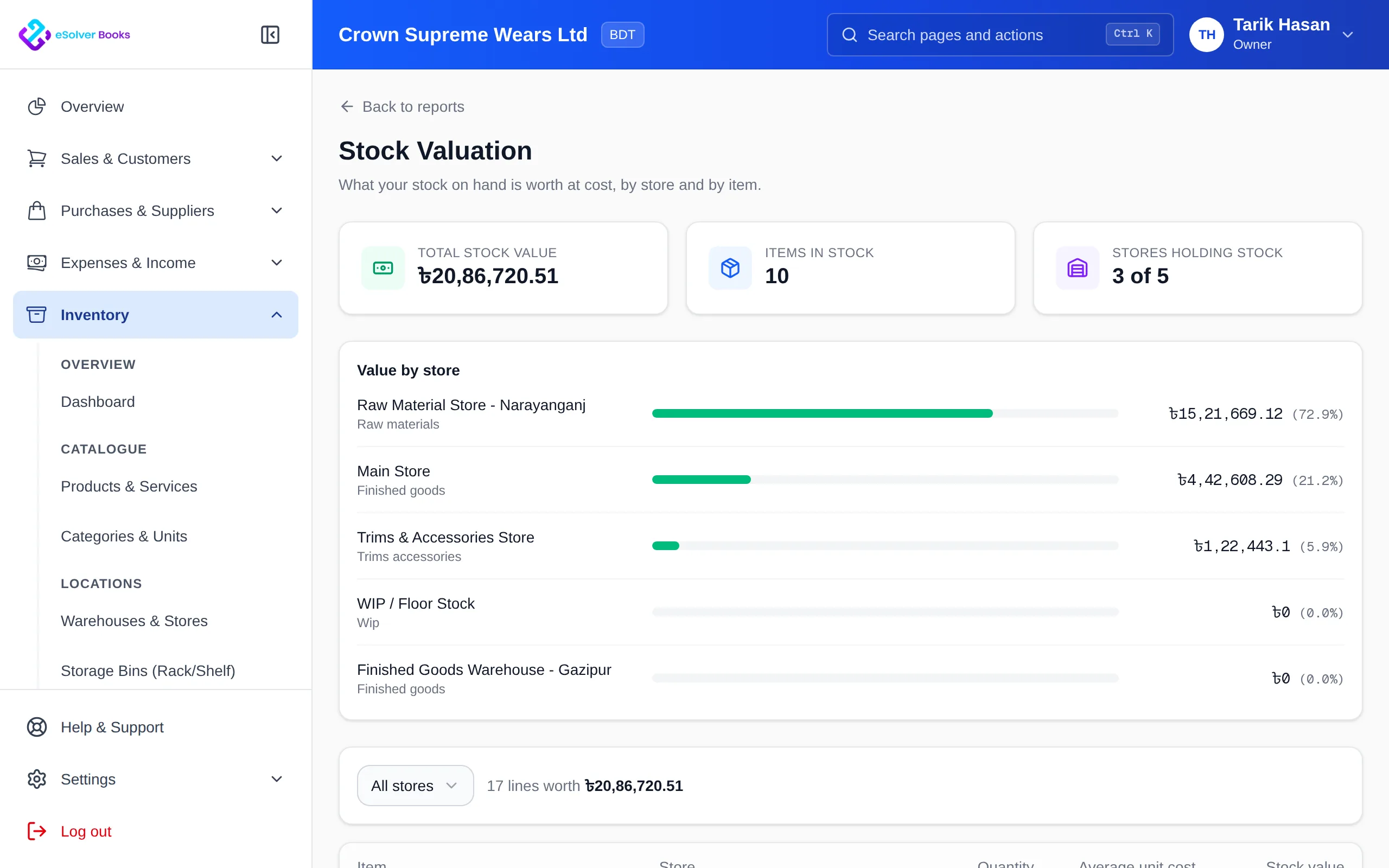
eSolverBooks / Inventory / Stock valuation
One connected workflow
Medicine, food, personal care and other fast-moving goods share one risk: stock that expires on the shelf. A distributor or pharmacy that cannot see which batch is nearest to its date ends up discounting, returning or writing off goods that could have been sold. eSolverBooks records batch and expiry on receipt and sells the earliest expiry first, while the rest of the business, from supplier bills to VAT, runs on the same system. Batch and expiry control is part of the Enterprise plan.
The everyday problem
Goods that pass their date cannot be sold. A lot nobody noticed slipping towards expiry turns into a write-off.
Without batch records, staff pick whatever is easiest to reach, leaving older stock behind.
When a supplier flags a batch, you need to know what was received and where it went, quickly.
A distributor lives on a small margin over many invoices. A few unrecorded returns or discounts wipe out profit.
Core capabilities
Capture the batch number and expiry date when goods are received, so every unit carries its history.
Stock is issued from the batch that expires soonest, which reduces avoidable write-offs.
Review batches by expiry date so slow or short-dated stock can be pushed, returned or discounted in time.
Record damage, expiry write-offs and counts with a reason and an audit trail.
Move stock between the warehouse and outlets with a transfer record, so each store's balance stays right.
Perpetual inventory posts cost of goods sold automatically, so margin reflects what you actually paid.
How it works
Record the supplier receipt with batch numbers and expiry dates into the right store.
Invoice or sell at the counter and let the system draw from the earliest-expiring batch; transfer between stores as needed.
Check short-dated batches, record write-offs with reasons and review valuation and margin.
Business outcomes
Fewer surprises from expired stock
Batch history for every received lot
Margin based on real cost of goods
Stock counts that explain their variances
Compliance
Pharmaceutical and food distribution is regulated by authorities other than NBR. eSolverBooks keeps your commercial and tax records tidy; it is not a substitute for your licences or regulatory procedures.
Day one
Questions
Yes. Batch and expiry tracking, with the earliest expiry sold first, is part of the Enterprise plan.
Yes. Inter-store transfers are included on Enterprise, which has 5 stores.
Point of Sale is on the Enterprise plan too, so counter sales and wholesale invoices can share stock.
We do not make regulatory claims. eSolverBooks is accounting and stock software; drug licensing and regulatory reporting are handled outside it.
Yes, as stock adjustments with a reason; Enterprise adds stock counts with variance approval.
Yes. Enterprise includes perpetual inventory with automatic cost of goods sold.
Get started
Discuss your current process, data, team, and reporting requirements with eSolverBooks.