
The drawer never matches the book
Cash sales, refunds and expenses paid from the till are written in different places. At closing time the count is off and nobody knows which entry is missing.
Retail & point of sale
Sell at the counter, split payments across payment methods, close the day with a cash count, and keep stock and VAT right without re-keying a single sale.
eSolverBooks / Sales / Printed invoice
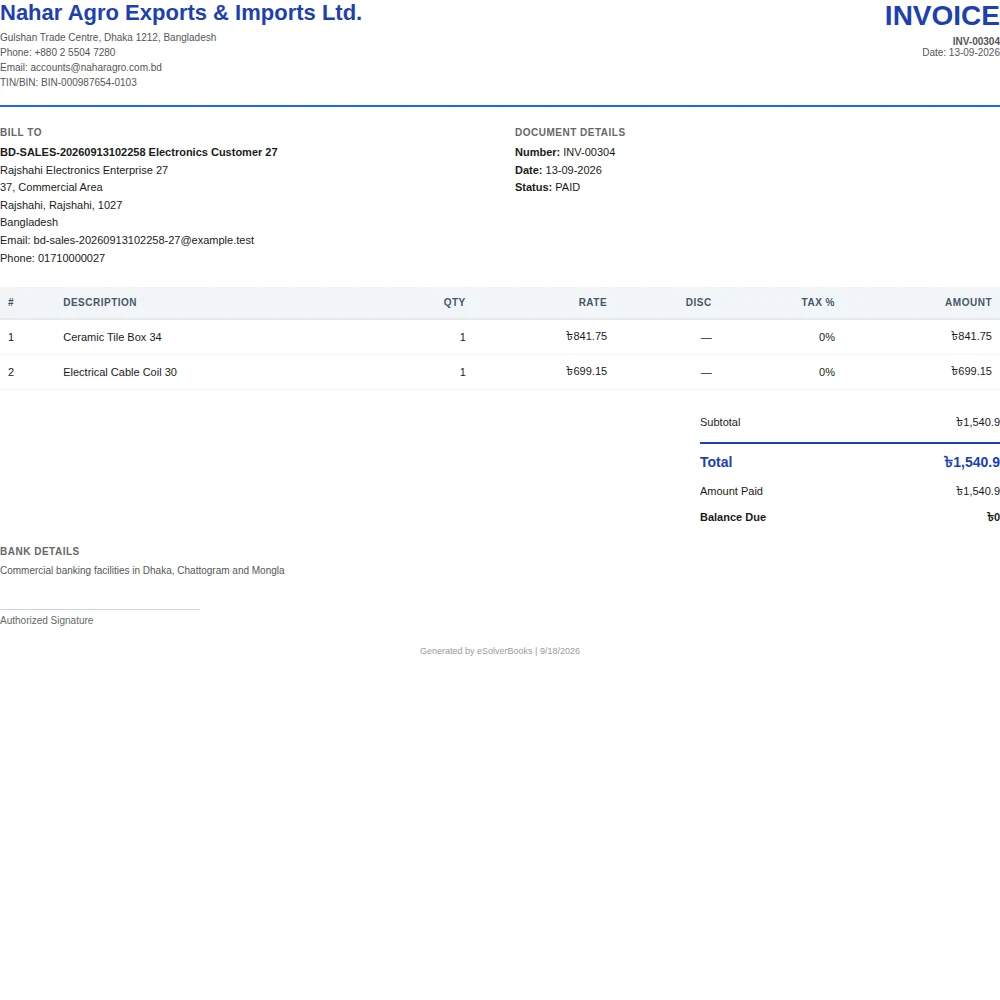
One connected workflow
A shop lives or dies on the counter: fast billing, honest stock and an end-of-day cash figure that matches the drawer. eSolverBooks runs the point of sale on the same ledger as purchasing, inventory and VAT, so a sale at the till reduces stock, posts revenue and records the tax in one step. Point of Sale is part of the Enterprise plan, alongside the Windows desktop app that prints receipts silently.
The everyday problem
Cash sales, refunds and expenses paid from the till are written in different places. At closing time the count is off and nobody knows which entry is missing.
Items are sold at the counter and received at the back, but the stock list is updated when someone has time. Reordering follows shelves, not data.
A regular who buys on credit or returns an item cannot be found quickly, so staff rely on memory.
Tax on counter sales is calculated from receipts at month end, which is slow and error prone.
Core capabilities
Build a sale in a few taps, apply discounts, take a split payment and print the receipt from the same screen.
Find a returning customer by mobile number at the till so their history and balance are never a guess.
Review the day's sales, reprint a receipt or void a sale from the sales history.
Count the drawer, compare it with what the system expects and close the day with any difference visible.
Each sale draws down the item in the right store, so the next purchase decision starts from a true quantity.
Product and category VAT profiles apply at the till, so tax reporting is a by-product of selling, not a separate chore.
How it works
Create products with prices and VAT profiles, receive opening stock into the store and set up the counter users.
Ring up sales, take cash or split payments, print receipts and look up customers by mobile number.
Run the daily cash close, review sales history and read stock and profit reports before you open tomorrow.
Business outcomes
A daily cash figure that is counted, not guessed
Stock that falls with every sale
Receipts and VAT without double entry
Counter staff working inside role limits
Compliance
Retail businesses with a VAT registration need their sales to carry the right tax. eSolverBooks applies it at the point of sale rather than after.
Day one
Questions
Point of Sale is part of the Enterprise plan, which includes 10 users and 5 stores. It covers quick sales, split payment, receipts, sales history with reprint and void, customer lookup by mobile number and daily cash close.
Yes. The Windows desktop app is free on every plan, supports Windows 10 and 11 and prints POS receipts silently. Download it from the download page.
Yes. Point of Sale supports split payment, so one bill can be settled in parts.
Yes. Sales post against the store's stock, and returns go back to the store and bin they were sold from.
Enterprise includes 5 stores and multi-branch workflows, so you can sell from different outlets and filter reports by branch.
Enterprise includes a 30-day free trial with no credit card required.
Get started
Discuss your current process, data, team, and reporting requirements with eSolverBooks.