
Orders everywhere, books nowhere
Orders arrive by message, website and marketplace. Without one place to record them, the month's sales are rebuilt from chats.
E-commerce & online sellers
Keep stock, customer orders, returns and mobile-wallet and bank collections tidy behind your online shop, and turn a busy sales day into clean books.
eSolverBooks / Banking / Bank reconciliation
One connected workflow
Online sellers in Bangladesh take orders from Facebook pages, websites and marketplaces, and get paid through bKash, Nagad, cards and cash on delivery. The risk is not selling; it is knowing afterwards what was sold, what is still in stock, what has actually been paid and what profit remained. eSolverBooks does not connect to your storefront or courier. It is the accounting and stock back office where you record sales, track the wallet and bank accounts that money lands in, and reconcile them.
The everyday problem
Orders arrive by message, website and marketplace. Without one place to record them, the month's sales are rebuilt from chats.
bKash, Nagad, cards and cash on delivery settle on different days into different accounts. Matching them to orders is slow.
A returned parcel must restore stock and reverse revenue. If it only reverses in someone's memory, both are wrong.
After product cost, packaging, delivery, ad spend and returns, many sellers cannot say what a month actually earned.
Core capabilities
Record each sale as an invoice, and issue credit notes when a customer returns an item.
Keep bank accounts and MFS wallets such as bKash and Nagad as accounts, so collections have a home.
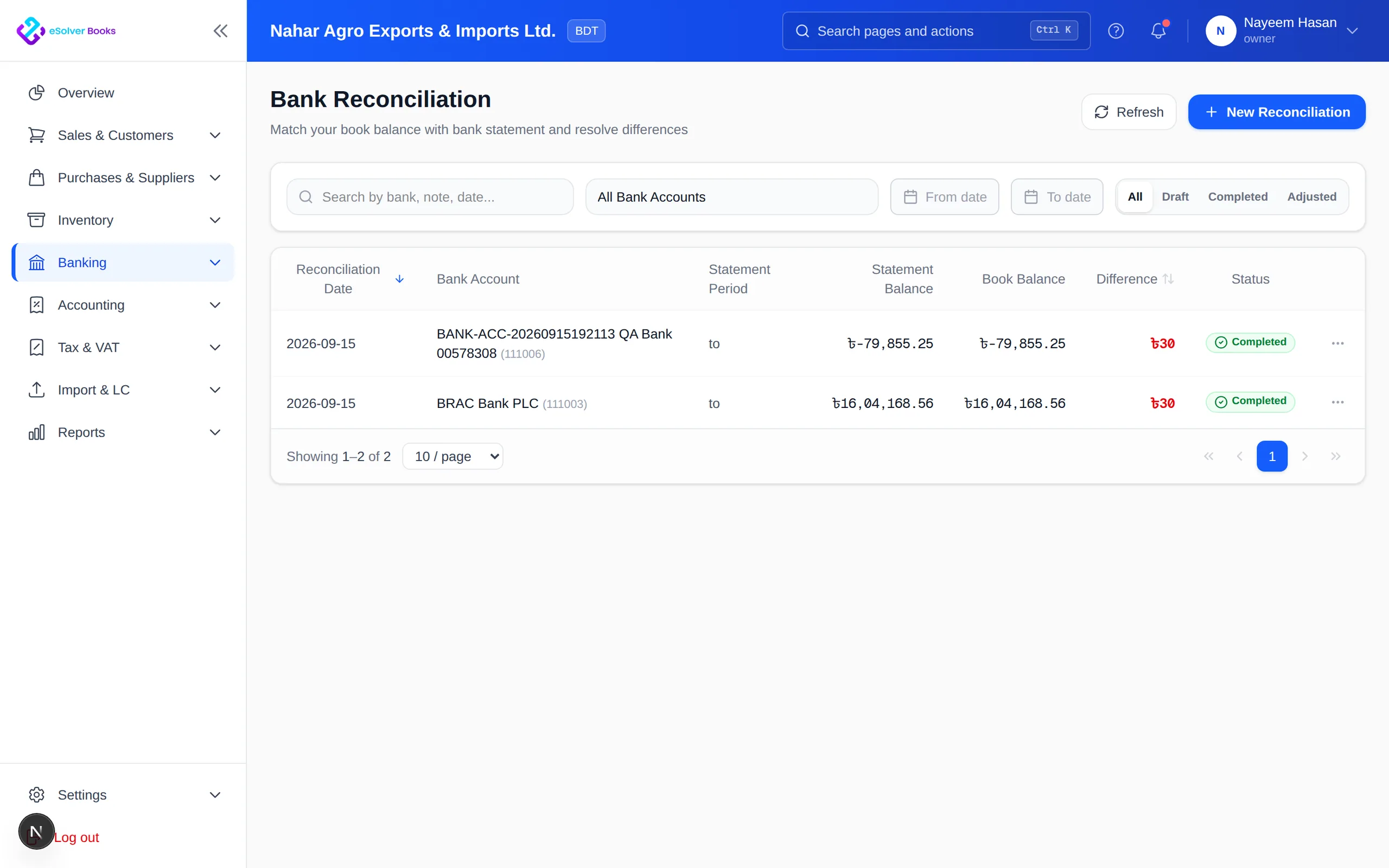
Import bank and mobile-wallet statements and match them against recorded receipts (Professional and Enterprise plans).
Receive goods into the store, track the balance and adjust for damage or loss with a reason.
A returned item goes back to the store and bin it was sold from.
Record packaging, delivery and advertising costs and read profit and loss for the period.
How it works
Create products, receive opening stock and add your bank and mobile-wallet accounts.
Invoice orders, record payments into the right account and process returns with credit notes.
Import statements, reconcile wallet and bank balances and review expenses, stock and profit.
Business outcomes
Collections matched to the right sale
A stock figure you can trust
Returns handled with a paper trail
Monthly profit without spreadsheet gymnastics
Compliance
Whether your online business must register for VAT depends on its size and category. Confirm with your tax adviser; the software applies whatever treatment you configure.
Day one
Questions
No. There is no storefront or courier integration; you record sales in eSolverBooks. Custom integrations may be quoted separately.
Yes. Bank accounts and MFS wallets can be kept as accounts, and bank statement and MFS import with reconciliation is available on Professional and Enterprise.
We accept bKash, Nagad, Rocket, bank transfer, and credit or debit cards.
Starter allows up to 50 invoices per month. Professional and Enterprise are unlimited, which suits busier sellers.
Yes. Point of Sale on Enterprise handles counter sales on the same stock.
Yes, with credit notes, and returns go back to the store and bin they were sold from.
Get started
Discuss your current process, data, team, and reporting requirements with eSolverBooks.