
Tax configuration
Maintain applicable rates, effective dates, taxable, zero-rated, and exempt treatment, and relevant account mappings.
Financial compliance
Apply consistent tax treatment to sales, purchases, expenses, and withholding records while preserving the transaction detail needed for review and reporting.
eSolverBooks / Tax & VAT / VAT dashboard
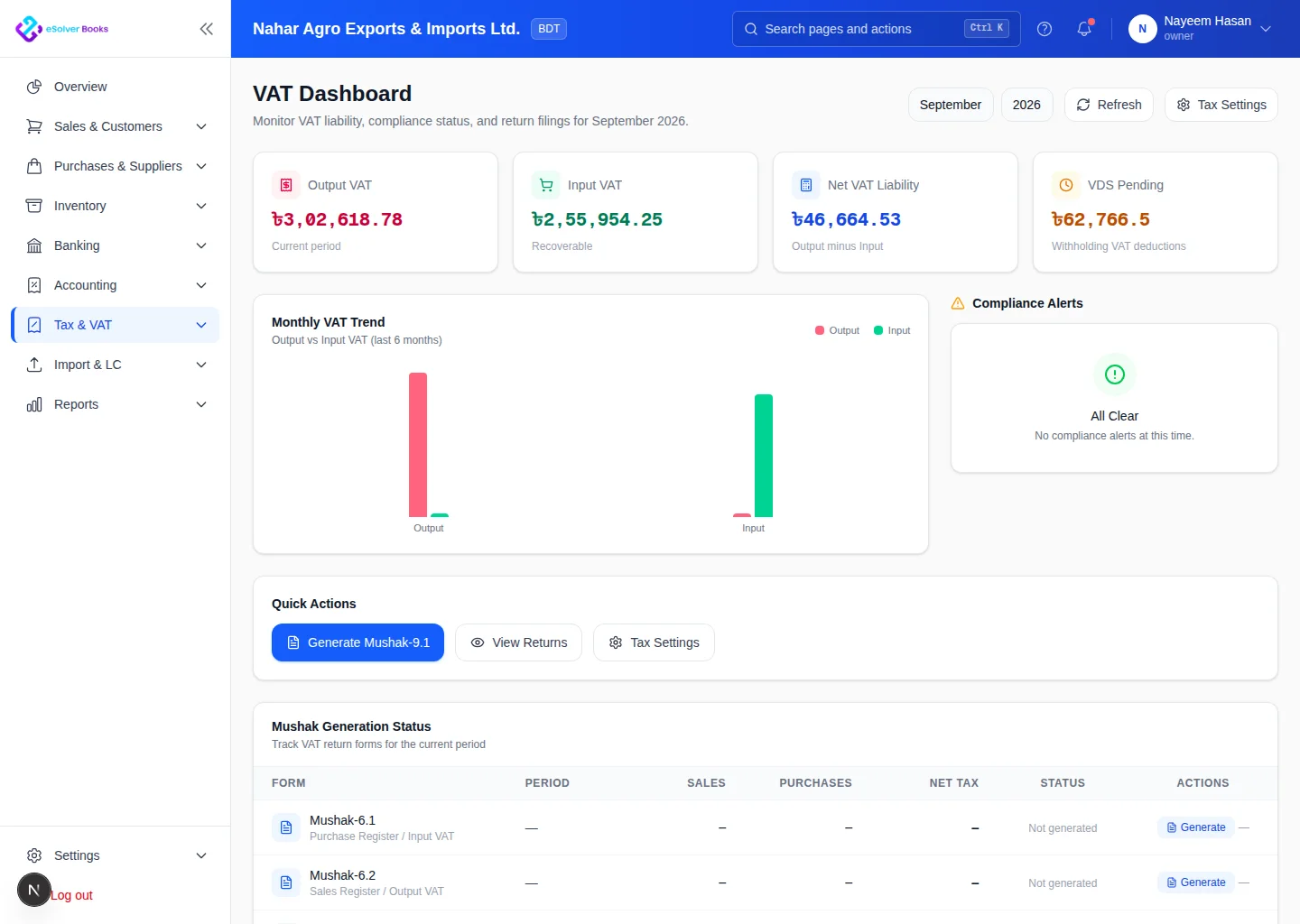
One connected workflow
Compliance work becomes harder when tax records are reconstructed after transactions occur. eSolverBooks captures relevant tax treatment within everyday accounting workflows, creating a more organized basis for review, reconciliation, and reporting.
Core capabilities
Maintain applicable rates, effective dates, taxable, zero-rated, and exempt treatment, and relevant account mappings.
Apply tax consistently to invoices, credit notes, customer transactions, and related accounting entries.
Capture supplier tax information on bills, expenses, debit notes, and other purchase activity.
Record deductions and certificates while keeping the related supplier or customer balance clear.
Compare tax control accounts with the underlying transaction details and investigate differences before reporting.
Preserve source documents, user activity, approvals, and transaction history for structured review.
How it works
Set up rates, effective dates, account mappings, item defaults, and business-specific tax rules.
Apply the correct treatment as sales, purchases, expenses, credits, and payments are entered.
Reconcile balances, inspect supporting details, resolve exceptions, and prepare the required information.
Business outcomes
More consistent tax treatment
Transaction-level supporting records
Clearer tax control account reconciliation
Better preparation for compliance reporting
Get started
Discuss your current process, data, team, and reporting requirements with eSolverBooks.