
Rates with effective dates
Historic transactions keep the rate that applied when they happened.
Apply the correct tax treatment while invoices, bills and payments are created, then review filing-ready summaries from the same records.
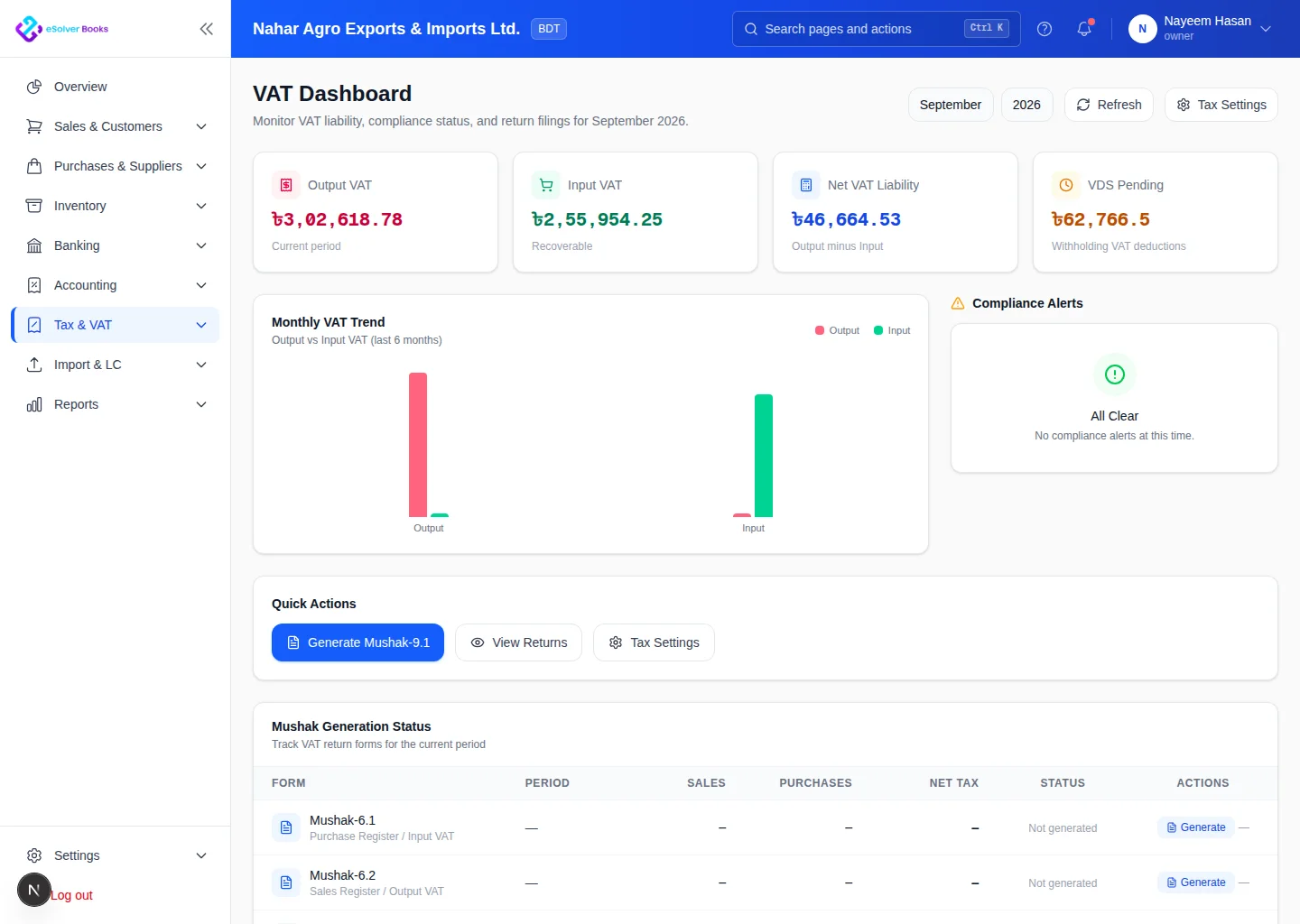
eSolverBooks / Tax & VAT / VAT dashboard
How it works
A practical workflow your team can follow without adding disconnected spreadsheets or repeated data entry.
Add the rates, effective dates, sales and purchase mappings your business uses.
Choose the right treatment on invoices, bills, credit notes and withholding entries.
Find missing codes, unusual values and adjustments before the filing period closes.
Reconcile input and output tax, then export the transaction detail behind every total.
What you get
Consistent tax coding reduces recalculation, supports timely filing and makes every return figure easier to explain.
Historic transactions keep the rate that applied when they happened.
Claimable and payable VAT are distinguished from entry, not reconstructed later.
Purchases that fail rebate conditions are flagged before they are claimed.
Items where input VAT cannot be claimed are treated correctly by default.
Missing codes and unusual values surface while there is still time to fix them.
Each figure on the return opens into the transactions behind it.
Feature details
Understand the main workflow, what belongs inside it and how each capability supports accurate daily work.
Main feature item
Configure reusable rules for the business.
What it includes
4 connected capabilities designed to keep this part of tax & vat management organized.
Included sub-items
Maintain standard, zero and exempt treatments.
Direct collected tax to liabilities.
Separate recoverable tax from cost.
Preserve the rate applied to each transaction.
Main feature item
Calculate correctly at the source.
What it includes
4 connected capabilities designed to keep this part of tax & vat management organized.
Included sub-items
Calculate output tax consistently.
Capture valid input tax.
Record tax deducted on receipts and payments.
Reflect returns and credits in the right period.
Main feature item
Prepare returns from traceable data.
What it includes
4 connected capabilities designed to keep this part of tax & vat management organized.
Included sub-items
Review taxable value and tax by rate.
See the net payable or recoverable.
Find missing or unusual tax treatment.
Export transactions supporting each figure.
Accounting reference
This feature explanation is informed by recognized accounting and control guidance. Your configuration and filing obligations should still be reviewed for your organization and jurisdiction.
Create a clearer workflow and give your team information they can understand and trust.