
Billable work is not billed on time
Milestones are reached and fees are earned, but the invoice waits for someone to remember. Cash arrives late because the paperwork did.
Service businesses
Connect clients, engagements, expenses, invoices, collections, and financial reporting without forcing service work into a product-based process.
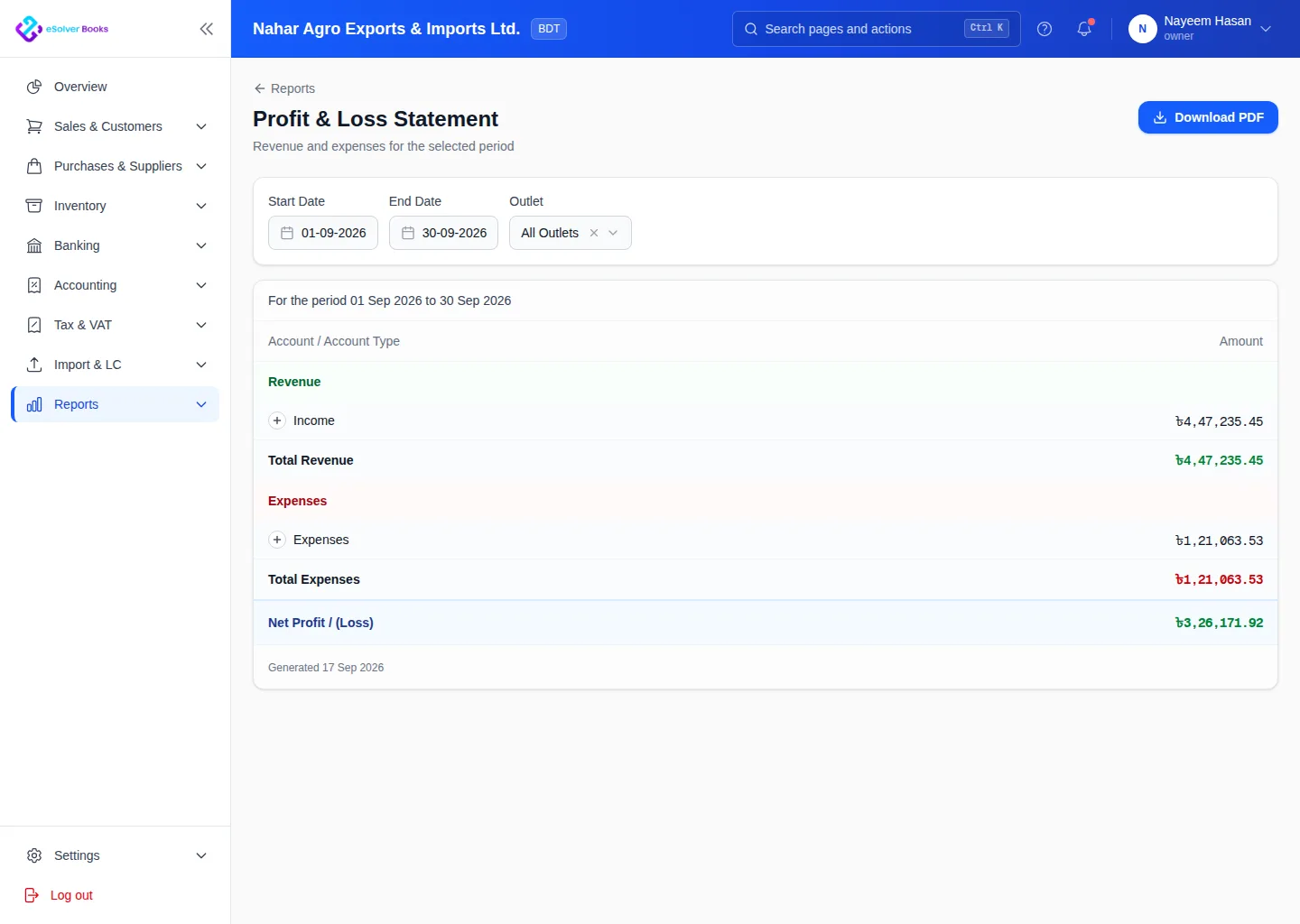
eSolverBooks / Reports / Profit & loss
One connected workflow
Service organizations need to understand more than total revenue. eSolverBooks connects client billing with project-related costs and collections, helping teams follow the financial position of each engagement and the business as a whole.
The everyday problem
Milestones are reached and fees are earned, but the invoice waits for someone to remember. Cash arrives late because the paperwork did.
Travel, subcontractors, software and staff costs are paid from several accounts. At the end of an engagement nobody is sure it earned what was quoted.
Monthly fees are copied from last month's invoice, with the occasional missed client.
Service invoices carry VAT and clients often deduct tax at source. Keeping those straight by memory causes reconciliation headaches.
Core capabilities
Maintain billing details, contacts, tax information, payment terms, and a complete transaction history for each client.
Prepare invoices for fixed fees, milestones, retainers, recurring work, or other agreed service arrangements.
Classify employee, supplier, travel, and operating costs against the relevant client or engagement.
Track issued invoices, receipts, credits, outstanding balances, due dates, and collection activity.
Use roles and review steps to keep expenses, billing, and financial adjustments accountable.
Review income, cost, outstanding balances, and project contribution from connected transaction data.
How it works
Create the client record, define billing terms, and prepare the relevant project or cost structure.
Capture billable milestones, related expenses, supporting documents, and internal approvals.
Issue the invoice, follow the receivable, record payment, and review financial performance.
Business outcomes
More consistent client billing
Project costs connected to financial records
Clearer outstanding client balances
Better engagement-level visibility
Compliance
Service firms usually bill clients who deduct at source and receive supplier invoices that need the same. The accounts have to show both.
Day one
Questions
Yes. Products and services are both supported, and service invoices do not need stock.
Recurring invoices and reminders are part of the Professional plan and above.
Cost centers and budgets, available on Professional and Enterprise, let you tag income and cost to an engagement or department and compare against budget.
Yes. VDS and TDS are applied when the supplier payment is recorded, so gross, deduction and net stay linked on one record.
Approval workflows are included on the Enterprise plan. Professional adds advanced user roles for tighter control.
No. eSolverBooks focuses on invoicing, expenses, collections, banking, VAT and financial reporting. It does not include timesheets.
Get started
Discuss your current process, data, team, and reporting requirements with eSolverBooks.